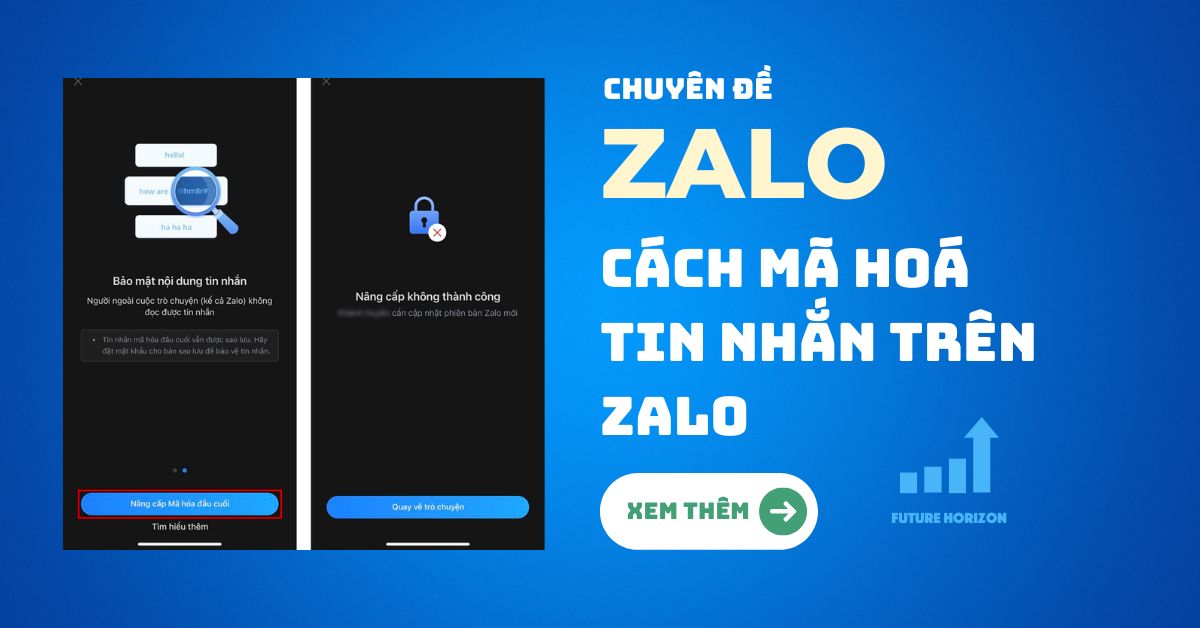

End-to-end encryption is a feature that makes your Zalo chats absolutely secure. Messages are encrypted throughout when sent and received. People outside the conversation, including Zalo, cannot read the message.
FHC Teams will guide everyone how to encrypt messages on Zalo for you!
Tại sao tôi không thấy tính năng này?
Lưu ý: Nếu chưa dùng được tính năng mã hóa đầu cuối, tài khoản của bạn hiện đang không nằm trong giai đoạn thử nghiệm tính năng này. Bạn sẽ sớm có thể dùng mã hóa đầu cuối khi tính năng được chính thức ra mắt. Hãy luôn kiểm tra để nhận bản cập nhật mới nhất từ Zalo nhé!
How to encrypt messages on Zalo
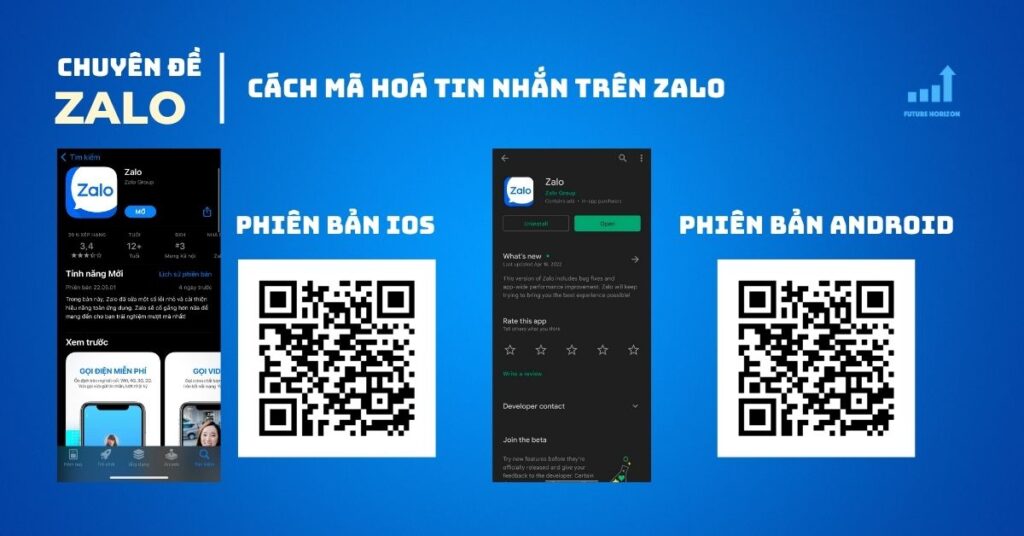
Step 1. First, update Zalo to the latest version on your phone and computer that you have logged into Zalo within the last 7 days.
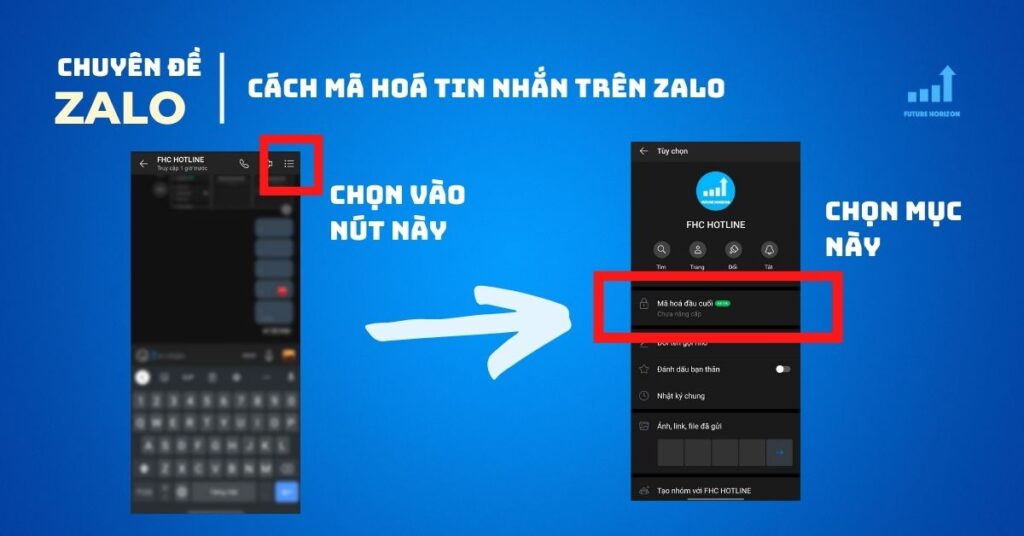
Step 2. Open the chat you want, select the item Options > End-to-end encryption.
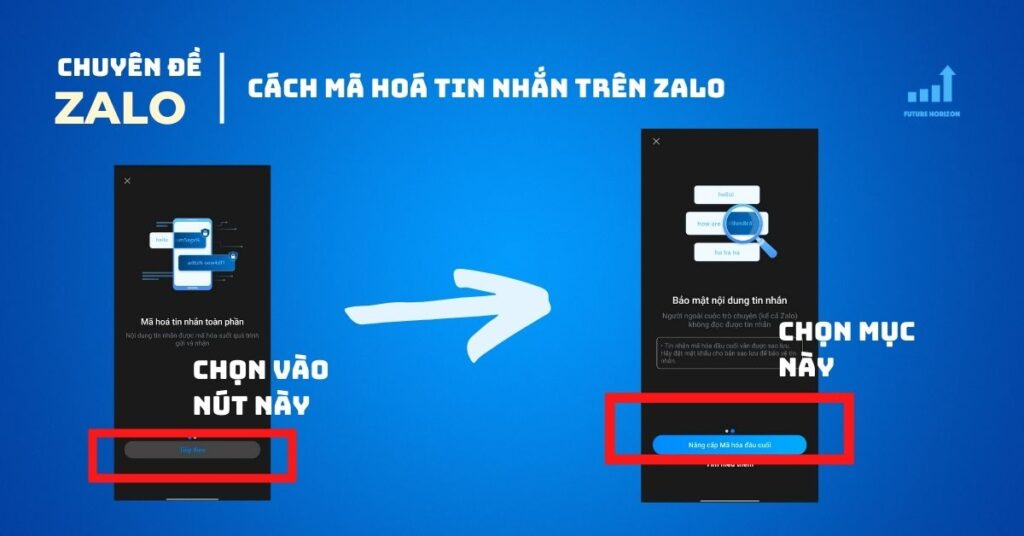
Step 3. You will be introduced to this feature by Zalo, click Upgraded End-to-End Encryption that's it. The upgrade process will not be successful if the other person has not updated Zalo to the new version.
Wish you success. If you have any questions, please comment below. Remember to click Like and Share to support FHC.
Are you looking for a smartphone that supports wireless charging to text and call Zalo without interruption anytime, anywhere?
Check out the latest Mobile products at Review 5 Sao okay!

Author
Future Horizon
Mục tiêu thành lập và xây dựng với sứ mệnh mang lại những công cụ và giải pháp kỹ thuật số (công cụ bán hàng online) tốt nhất cho các cửa hàng, doanh nghiệp nhỏ, hay đơn giản là những người mong muốn đạt được thành tựu trên không gian mạng nhưng cần sự giúp đỡ.