
Due to the COVID-19 pandemic, many countries around the world have border closure. To limit person-to-person contact, working from home to avoid contact with others is important. When working from home for many days, many people feel disturbed and tired.
Don't worry too much. There are many tools that can help you collaborate with colleagues to complete work without having to go to the office during this period. Many teamwork applications also help you increase your productivity.
Below is a list of the most effective teamwork applications that Future Horizon has compiled for your easy reference.
1. Slack: Work from home app for teams
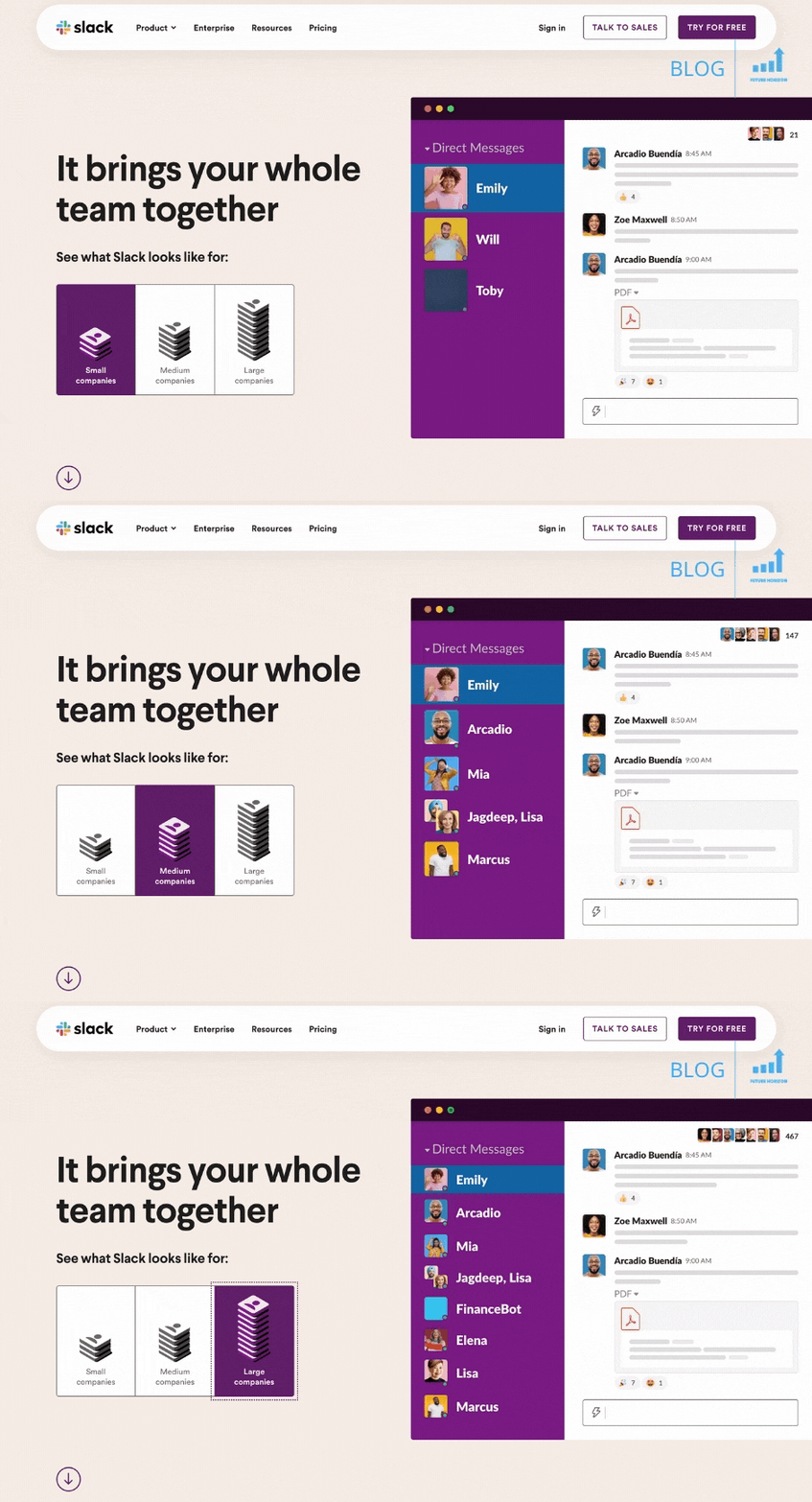
Slack is one of the most effective teamwork apps for businesses or teams. It can message quickly and create private or public channels for teams or projects.
The interface may take some time to get used to because there are many options and settings. Most of the time you will use the slider on the left – which has multiple channels attached, and the chat column. The third column will slide out if you want to see posts, and user or channel details.
There are many settings in the message you want to post, such as inserting links into the text, changing to blockquote and code format. Plus, chat messages can be easily edited.
You can also share files like images, documents, and videos from your computer or from Google Drive. Or chat with colleagues using audio or video calls and screen sharing.
Here are some benefits of using Slack:
- There is a version for desktop computer, web and mobile phone
- Integrate apps – Gmail, Google Calendar, Office 365, Trello, and 2000+ another
- Messages searchable and maybe mark or ghim
- Notifications for each individual as you wish
- Automate routines and communicate through Workflow builder.
- Ensure information and data are equal 2-factor authentication and SAML-based single sign-on (SSO)
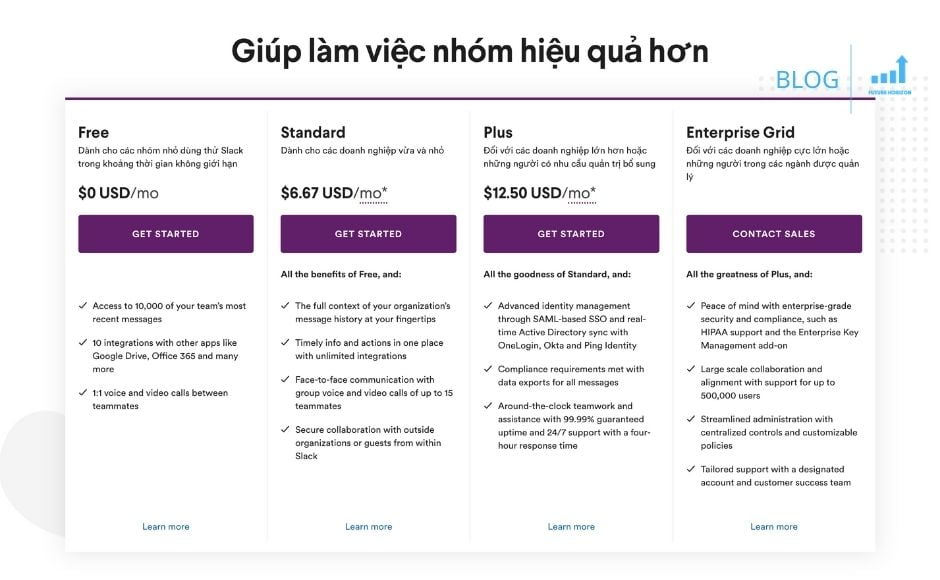
Free version strong enough to get you started. But if you need security, more storage, group calling, support, and other extra features, you can purchase a paid plan. Package standard and pay fee value in turn 6.79$ and 12.76$/person/month
2. Trello: The best application for teams to build and develop creative content
Trello helps teams work more collaboratively and get more done. Trello helps teams collaborate better and get more done.
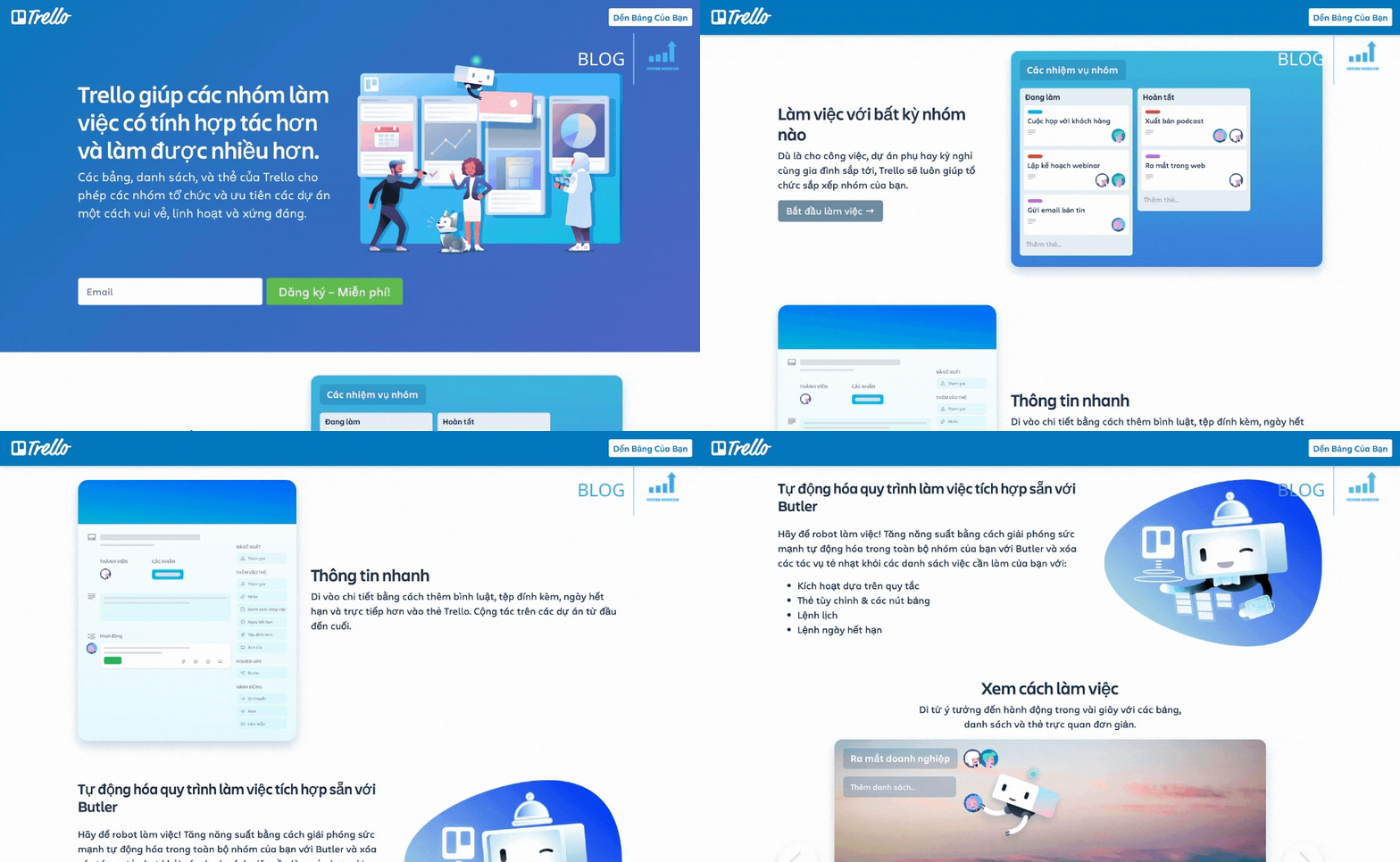
Trello is one of the best tools for project management and online teamwork. It is based on the idea of task cards in lists placed on boards. The drag and drop feature also makes the process seamless.
You can easily invite colleagues by username, email, or share link to invite them. There are many options displayed on the board like – private, group, organizational, and public. You can also change the background and color of the table as desired.
Tags can be assigned to members, labeled, choose an expiration date, and file attachments. Furthermore, you can add power-ups and add-ons like Dropbox, Google, Drive, Slack, v.v.
Benefits of using Trello:
- Choose from multiple templates available for table
- Easy-to-use interface
- Apps for phones available for iOS and Android
- There's Butler and Automated build workflow
- Use 2-factor authentication for the whole package for free
If you sign up for the free plan, you'll have unlimited personal boards, tags, and lists. However, to increase security, add group boards, and unlimited power-ups, you need to subscribe to the premium plan.
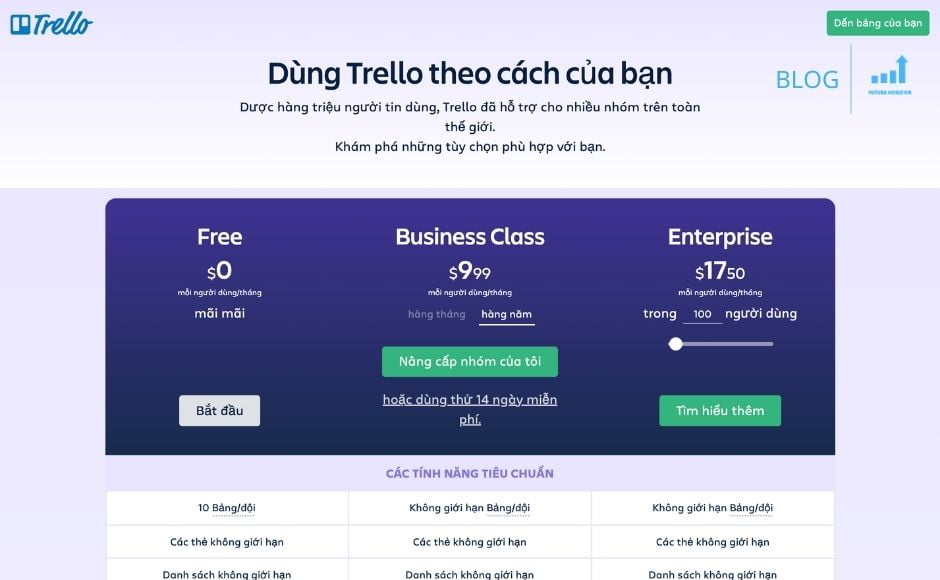
Package Business Class value $9.99/person/month. Package Enterprise can from $5.92 come $20.83 depends on the number of users.
3. GitHub: Indispensable tool for Programmers

Github is a git repository hosting service for version control (change tracking), mainly code. This is one of the online teamwork applications most used by programmers.
However, teams in many different industries can use this app to manage tasks and track performance. Because projects are updated in one clear place, managers can follow progress easily.
You can create issues for your team and drag them to different project boards and desks. Contributors can assign themselves to the issue, comment, add links, insert code, or close the issue.
Other benefits:
- Repositories private and public unlimited
- There is repository insight showing the following activity trends and data
- Yes milestones, pages, and wikis
- Automatic security updates
Github for the team has a price $9/user/month with $25 for the first 5 users. This plan adds 2-factor authentication, group discussions, organization and group management, plus role-based access control.
4. Google Docs: Experience Word right in the browser
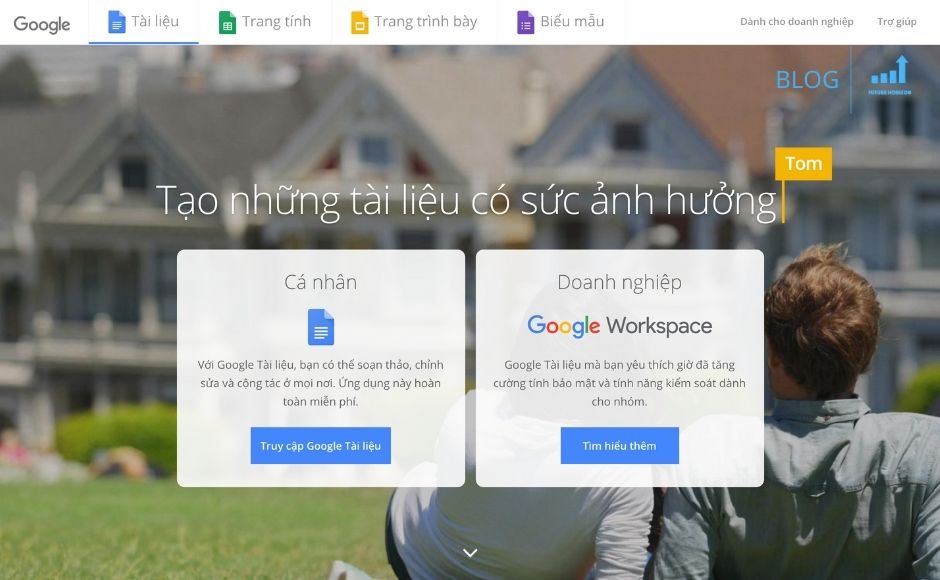
Google Docs is one of the most popular teamwork applications. This app allows teams to create, edit, and share documents together. The interface resembles a text editor other than the toolbar at the top and its document.
You can suggest edits, plus leave comments and tag group members. Email notifications are sent automatically to members so you don't need to notify them every time.
You can share documents by link or email. As a creator or admin, you can set files that only you can view, allow people to leave comments, or have editing options.
Its features are extended by add-ons as well as SEMrush, Grammarly, v.v
These are the benefits of using Google Docs:
- Review history and edit accordingly real-time
- Mode available offline
- Support Google Voice Typing
- You can download the version iOS and Android
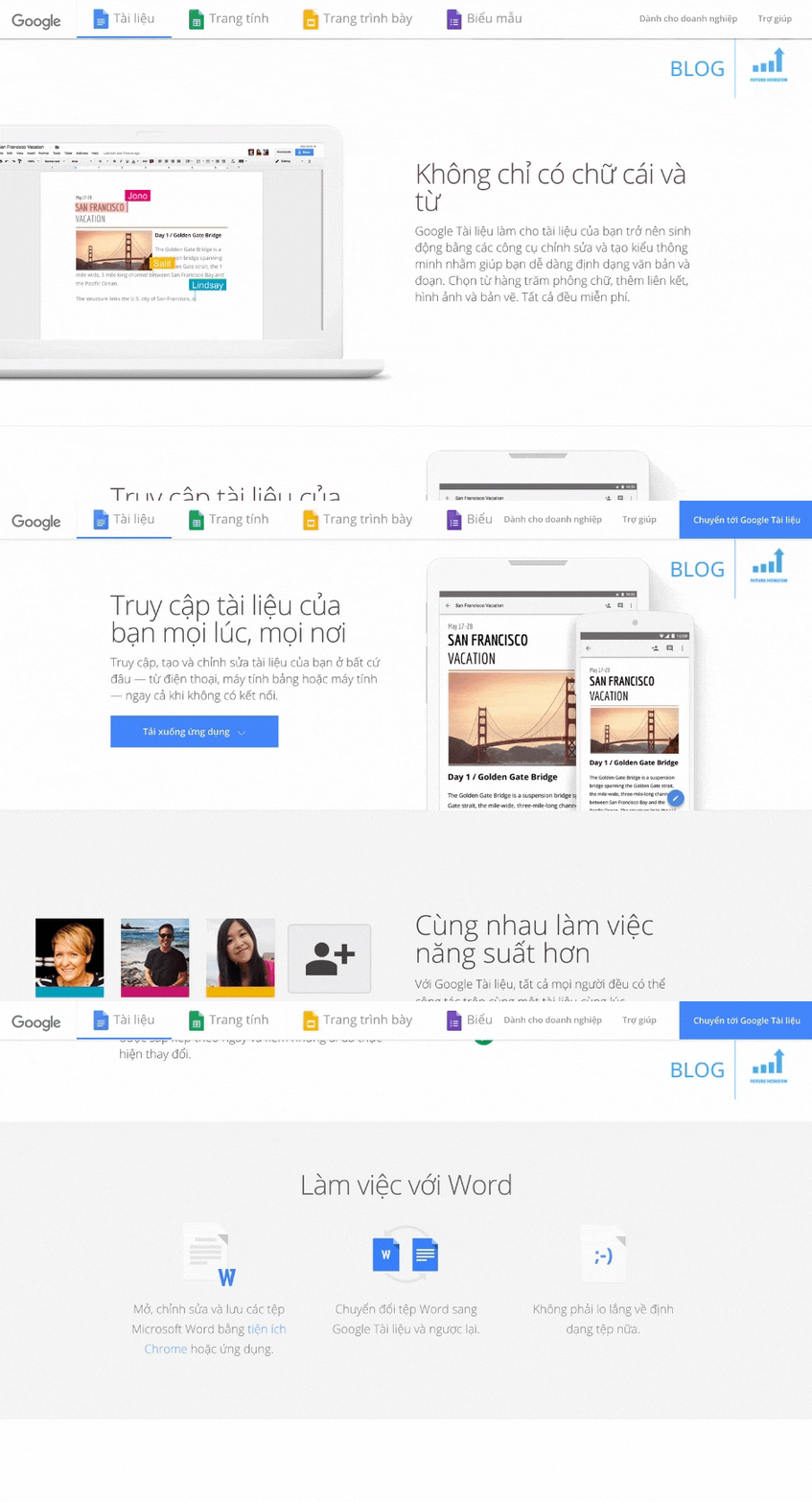
Not only is it a free and easy-to-use teamwork app, it's also excellent and convenient for projects focused on content creation.
5. Google Spreadsheets: When spreadsheets can be viewed and edited right on the phone
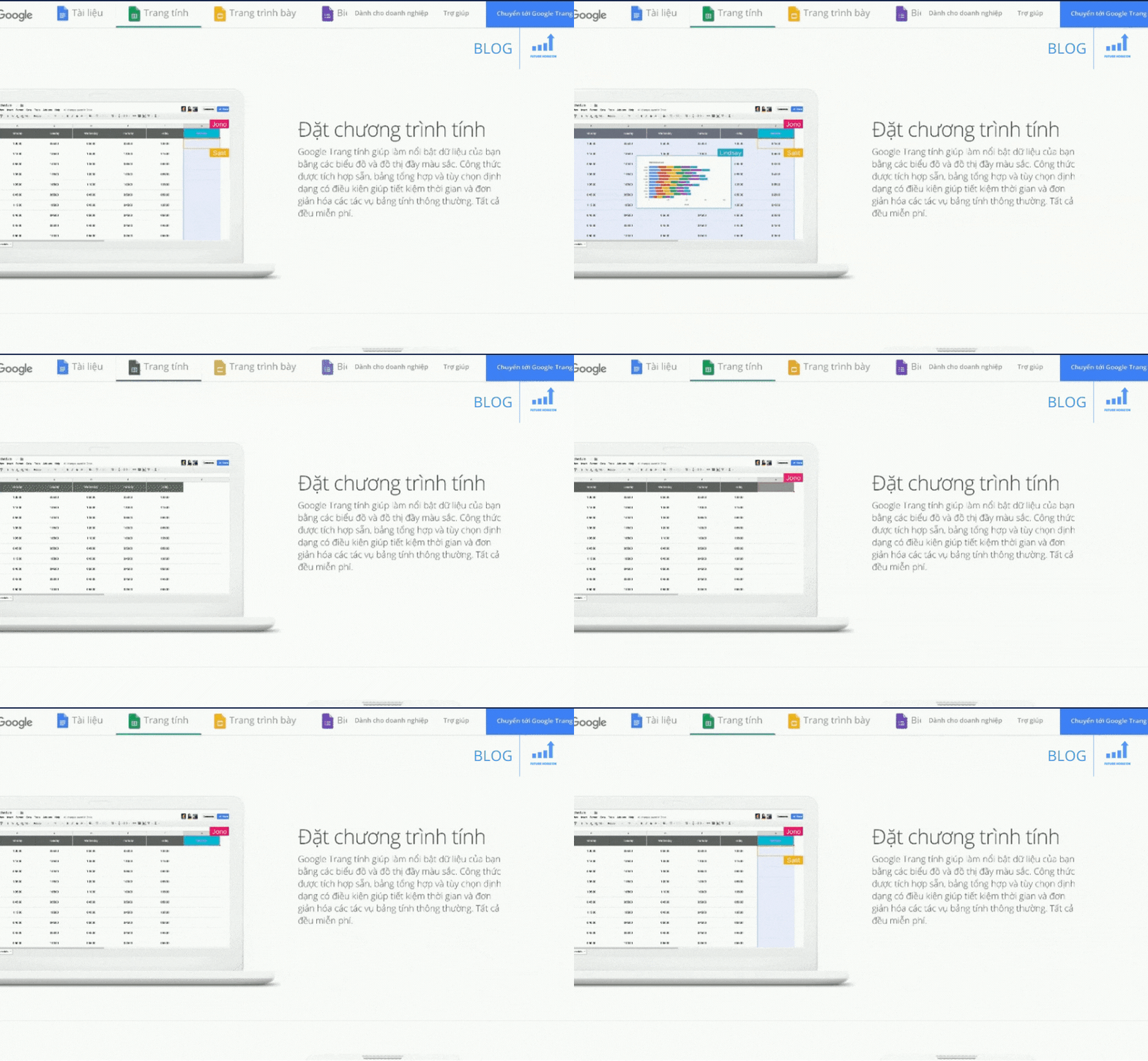
Google Spreadsheets also has many basic functions similar to Google Docs. You can create spreadsheets online, edit them, and share files with team members.
Changes will save automatically. You can review the history sorted by date and by person who changed it. These Sheets can be edited offline and automatically sync when you come back online.
This app is flexible and powerful so you can manage projects and track team goals. However, you need to prioritize having technical knowledge to use it properly.
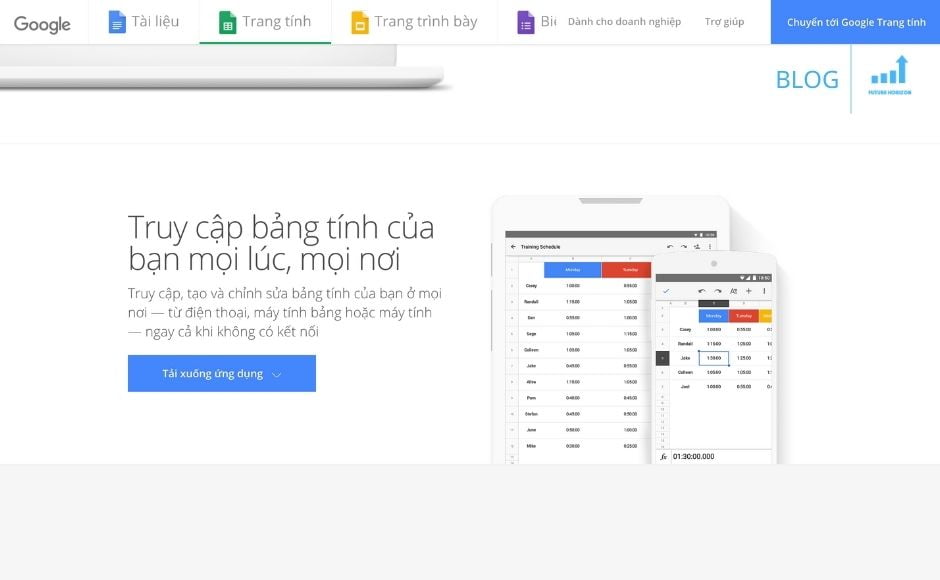
Other benefits of Google Spreadsheets:
- Templates are available for budget, schedule, etc
- Collection self-build function big
- Mobile version available
- Integration Google Forms and Google Docs
This online teamwork application is free but not eye-catching. Its functionality can be extended with Google Analytics and Lucidchart add-ons.
6. Monday
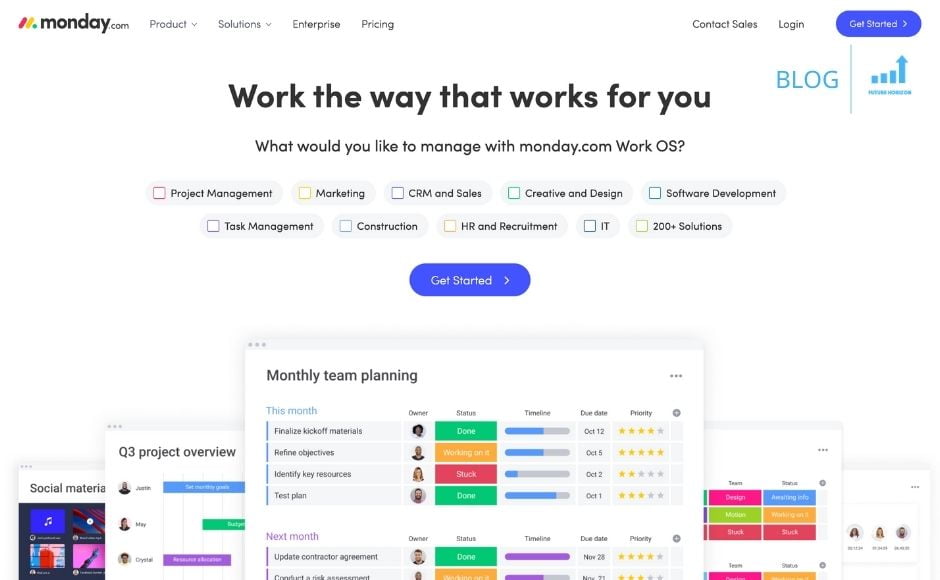
Monday is a quick messaging and task board based project management app. It has an attractive and clean interface to create and complete the perfect project for everyone involved.
Available custom templates plus drag-and-drop functionality make it easy to start building your project's workflow. You can customize fields from branding, tables to user profiles.
Tasks and projects can be tracked by hour or by due date. You can also set up automatic recurring activities. You can communicate with team members using instant messaging within assigned tasks.
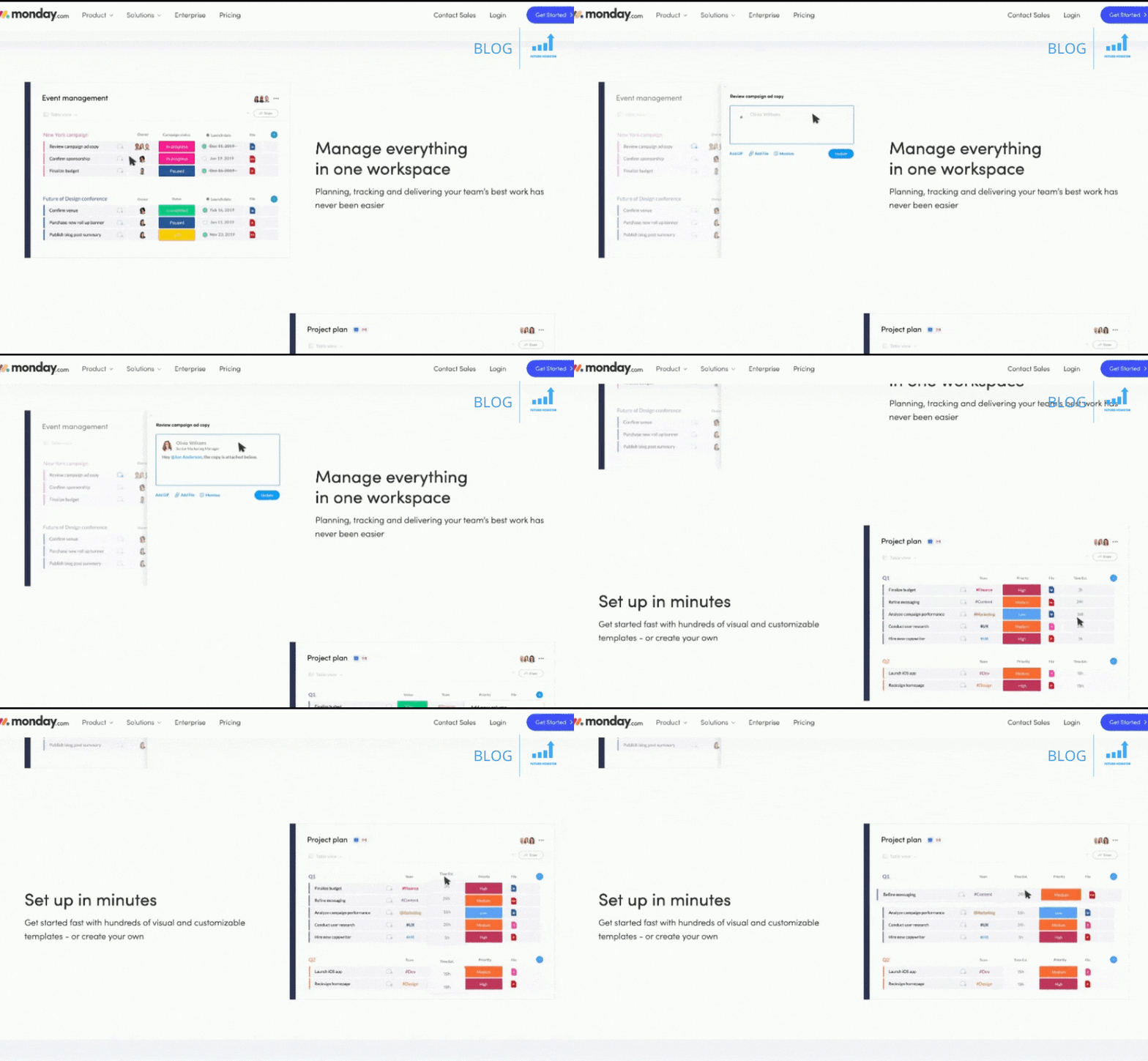
When using Monday.com, you will access the following benefits:
- 14 days trial, and a money-back guarantee within 30 days
- Instructions by video for new users
- Apps available for mobile
- Integrate and extend many application functions – Gmail, Slack, Google Calendar, Github, v.v
- Insights and reports displayed in charts and timelines
Monday used encryption TLS and AES for security solutions, and you can always enable 2-factor authentication.
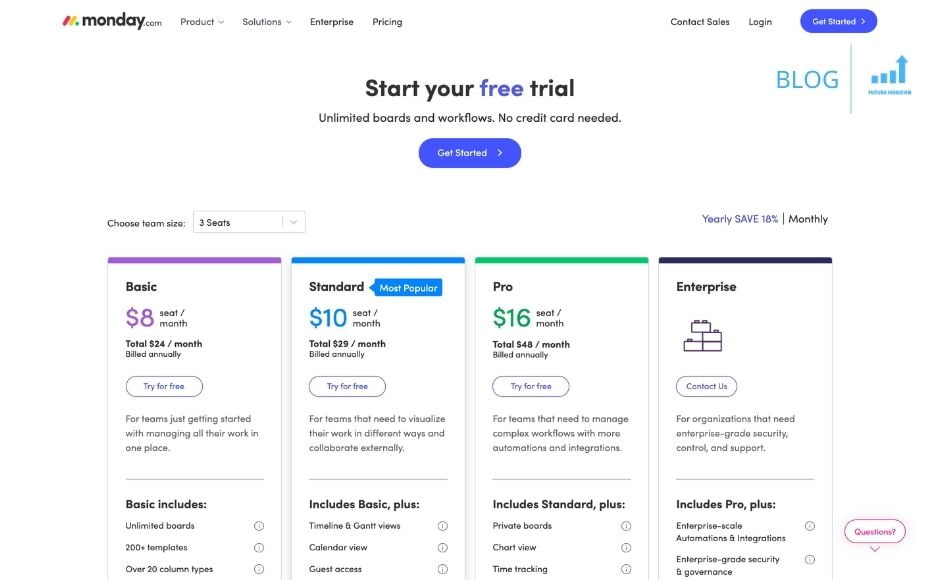
There are many prices for premium packages, depending on the number of users. Package Basic word $10-$16/user/month.
7. Asana
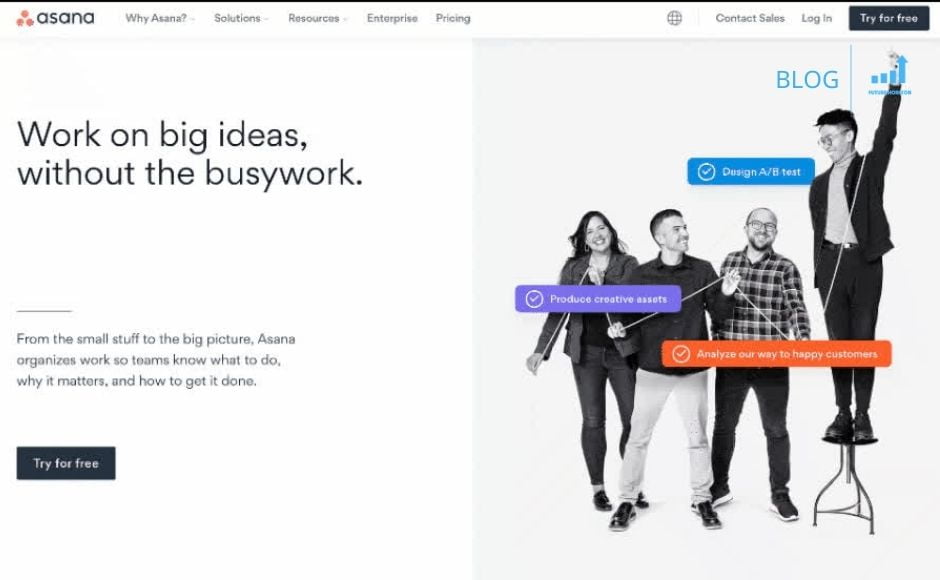
Asana is one of the most used teamwork applications with an attractive interface and free version. It has an easy drag and drop feature while working.
Its boards are also useful for creating to-do lists and assigning tasks. A task can be in multiple tables. Timeline is a good way to track project progress, while Calendar displays your calendar in rows.
Workload is a statistical feature you can use to make sure your team members aren't overworking or underperforming. Portfolio like headquarters, where you can track the company's progress.
This application will not need the use of emails because notifications will be set in real-time to communicate around tasks and projects that you are a part of.
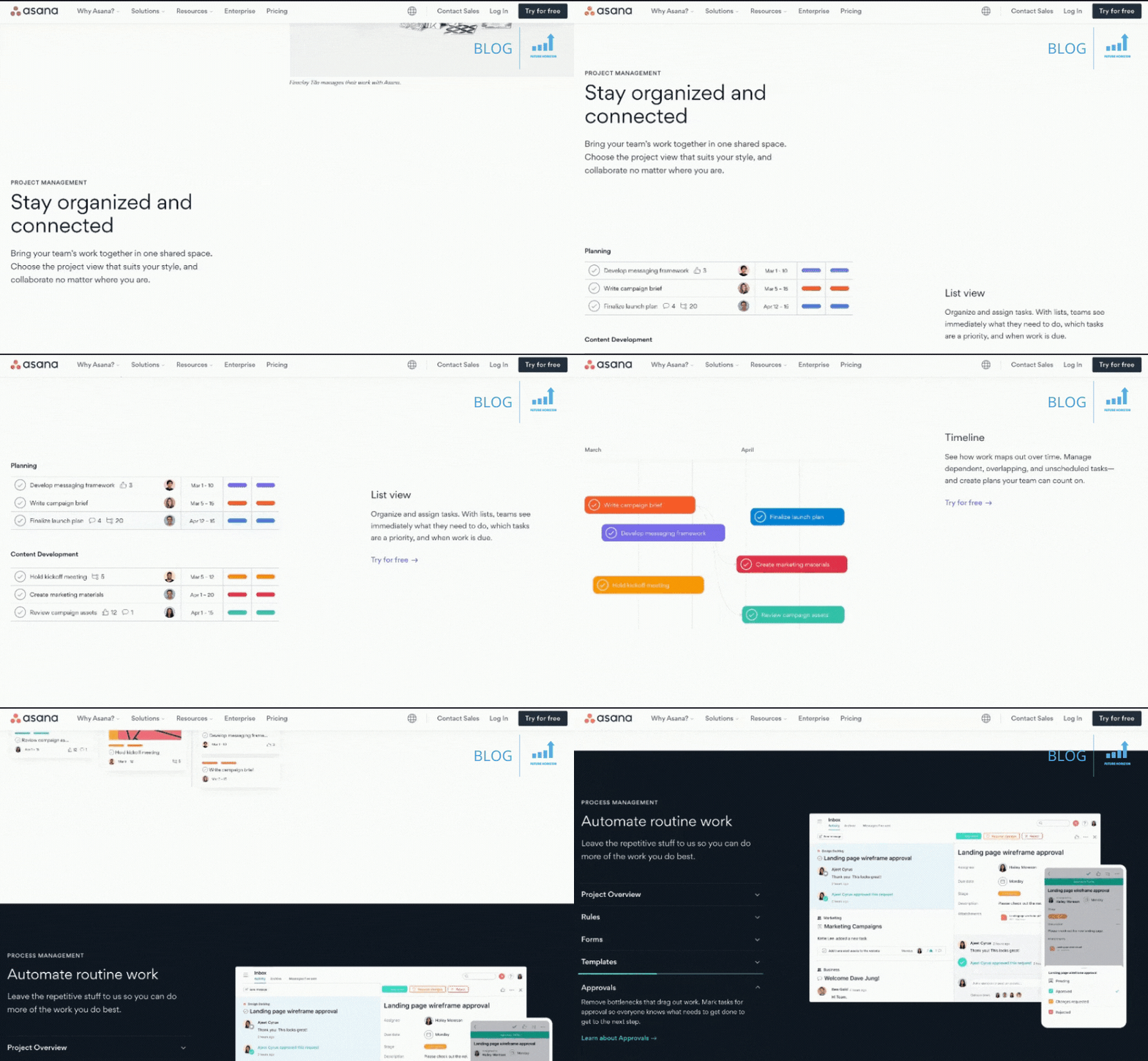
Here are the benefits of Asana:
- Certification SOC 2 Type II
- Integrate apps – Tableau, Office 365, Slack, Power BI, v.v
- Many workspaces
- Mobile version available (Android and iOS)
- Automation to simplify processes, save time and reduce errors
Free version allows you to work with max 15 member. Paid plans have a trial version 30 days, but you need to provide credit card information.
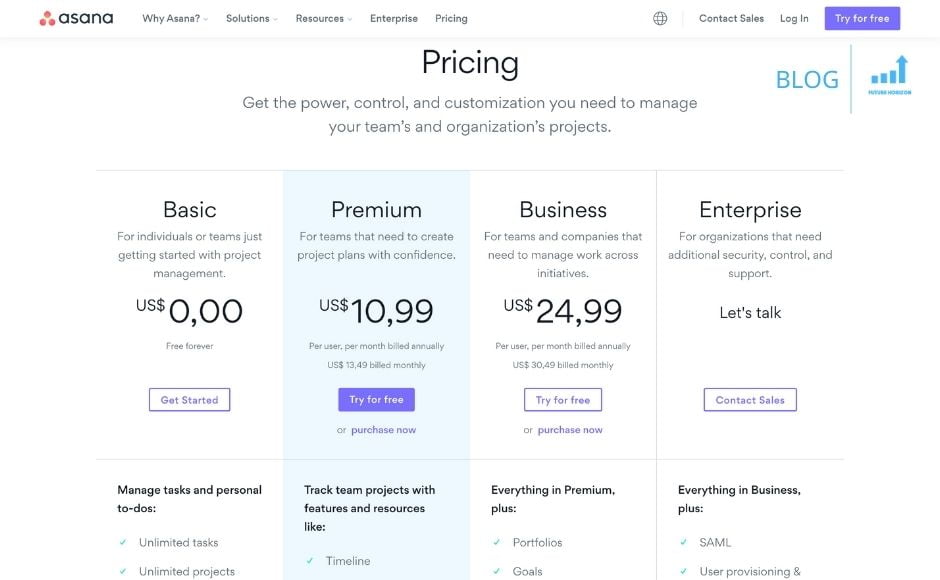
Package high class price $10.99/user/month, and plan Enterprise has a price $24.99/user/month. You'll get a variety of premium project management apps and reports, plus priority support.
8. Microsoft Teams: Microsoft's amazing gift for Work From Home teams
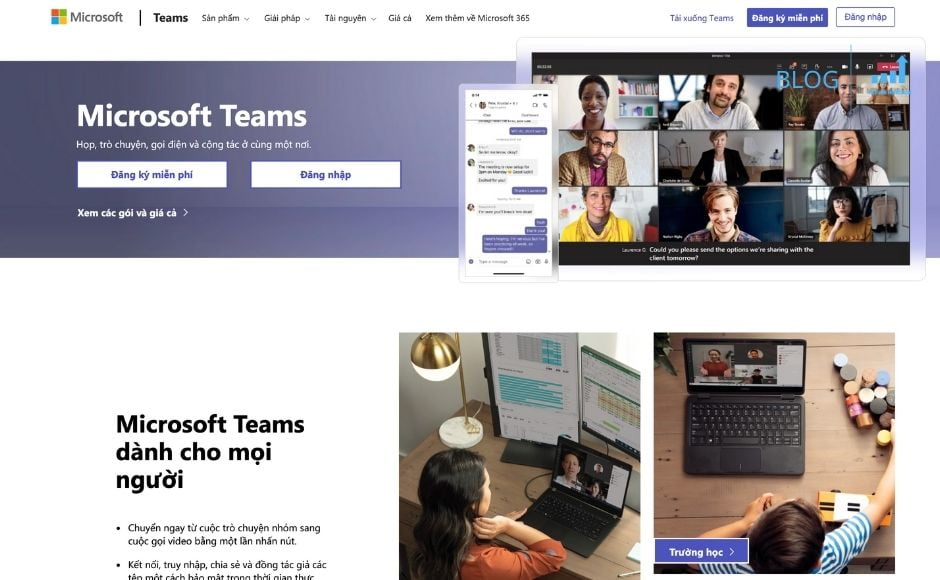
Integrating with Office 365, Microsoft Teams combines group messaging with video meetings, file storage, and attachments. Group members can work together on many types of word files Word, Excel, OneNote, Sharepoint, and other services of Microsoft.
The beauty of this teamwork app is that you can personalize it as needed. There are multiple chat rooms for different groups, custom tabs to access information and apps on a regular basis. If you don't want to start from scratch, you can use templates are available.
There are settings so that people outside the group can join group meetings or view files.
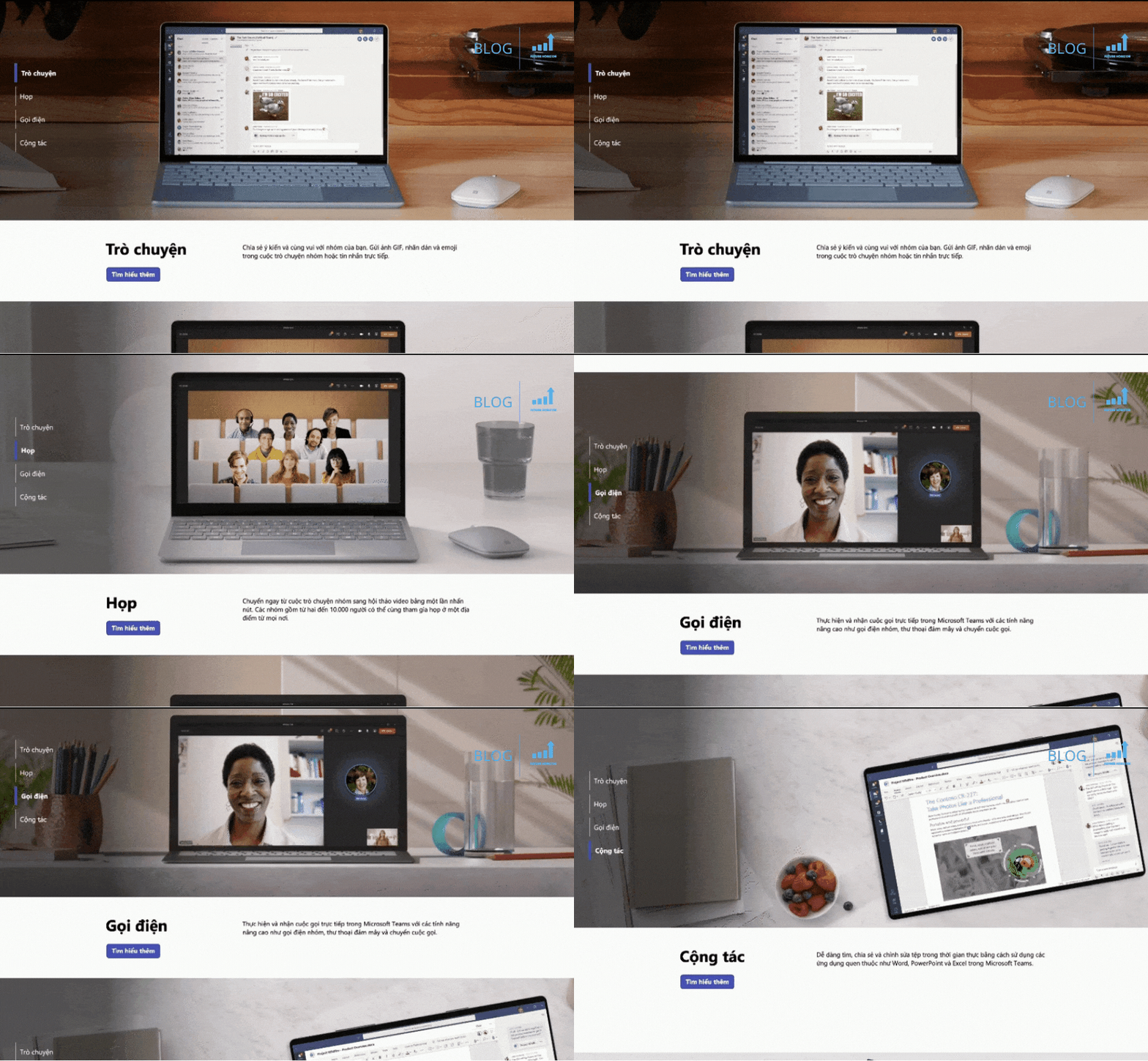
Benefits of using Microsoft Teams:
- Multi-factor authentication for security
- Translate messages inside for users who don't know English
- Yes 24 virtual assistants with many functions
- Commands Slash Work as shortcut with different tasks
- Used in many devices – Windows, Mac, Linux, Android, and iOS
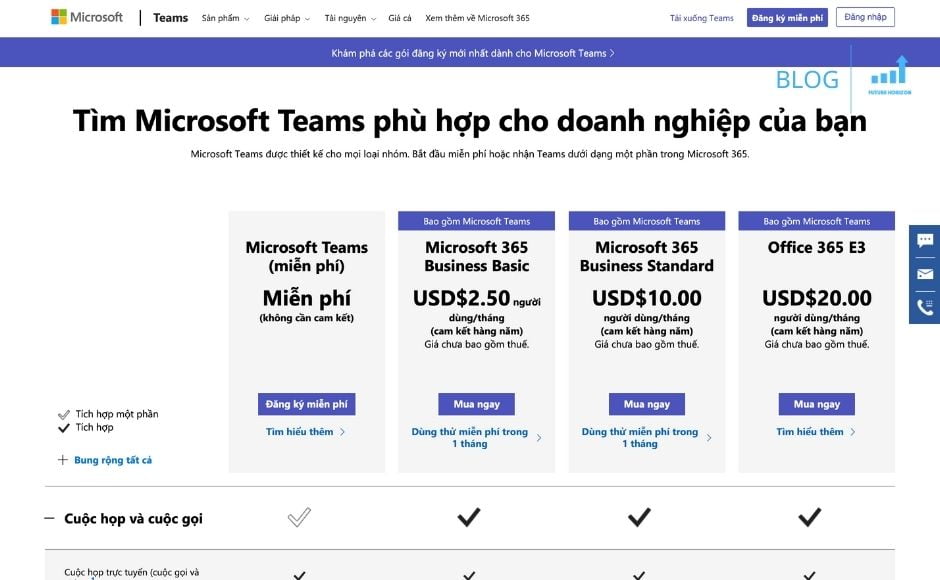
To use Microsoft Teams, you need an Office 365 subscription. Plan Enterprise is $8.25/ users/month. Package High-end Enterprise has a price $12.50/user/month, You can try the free trial for 1 month.
In short, what are the best teamwork apps?
Online teamwork will no longer be tiring because there are many applications that will help you. These apps let you easily manage tasks, communicate with team members, and track performance during tough times.
Hopefully through this summary article, you will soon find the application you want to work with your teammates to complete assigned tasks as soon as possible.

Author
Future Horizon
Mục tiêu thành lập và xây dựng với sứ mệnh mang lại những công cụ và giải pháp kỹ thuật số (công cụ bán hàng online) tốt nhất cho các cửa hàng, doanh nghiệp nhỏ, hay đơn giản là những người mong muốn đạt được thành tựu trên không gian mạng nhưng cần sự giúp đỡ.