

Google Chrome is currently the most commonly used Web browser worldwide. Although not as old as browsers like Firefox or IE, with significant improvements in speed, stability as well as diverse extensions, Chrome quickly took that throne.
Besides, it is impossible not to mention the Extension store (App extension) on Google that allows you to add extremely useful features in your business work. In this article, FHC will share with you tips on how to install and remove extensions on the Google Chrome browser quickly and easily.
Note: Currently, popular browsers such as Opera, Coc Coc, and Microsoft Edge all use the Chromium core, so they can completely use the same Extension store as instructed in the article.
Part 1: Install extension for Chrome
To install a certain extension for Chrome, you just need to access that extension through Chrome Web Store. Then proceed to install the extension. You can refer to the example below.
In this example, I will install the extension called Tiki Affiliate Link Maker. The function of Tiki Affiliate Link Maker allows you to create links affiliate marketing, to sell products and enjoy commissions, increasing online income.
Step 1: Access the installation link Tiki Affiliate Link Maker extension.
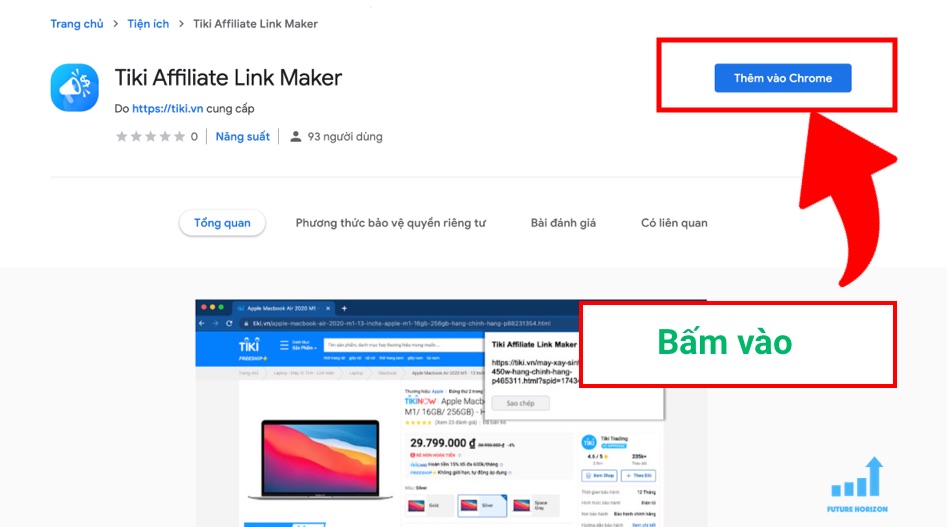
Step 2: Select the Add to Chrome button (The name may vary depending on the browser you use)
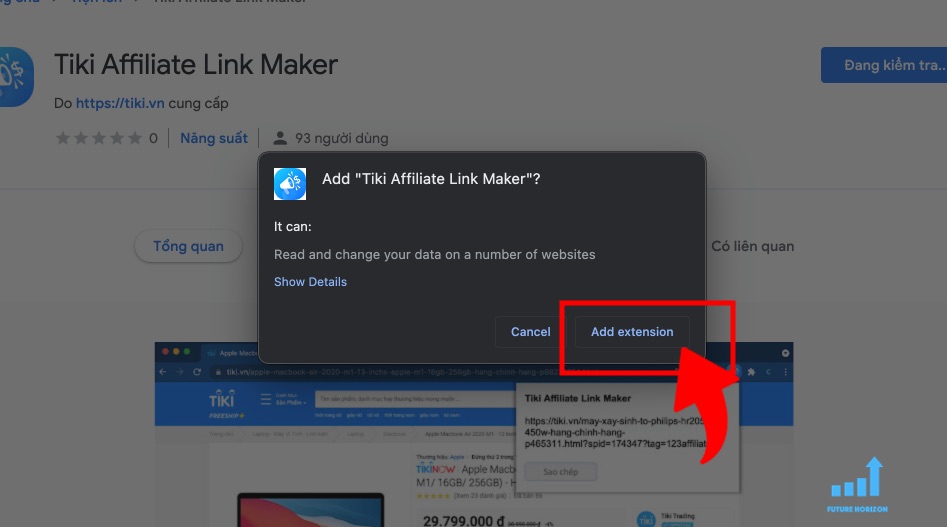
Step 3: A notification appears, select Add (Add extension):
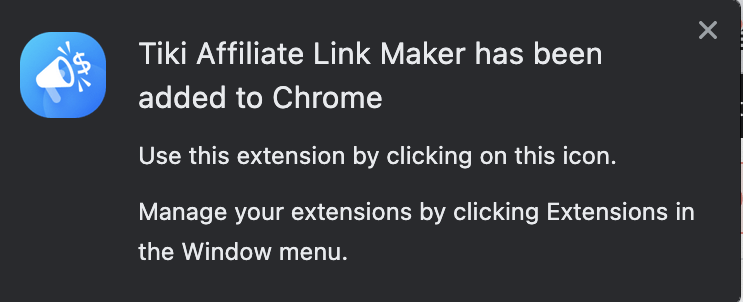
Wait until a notification appears on your browser that you have successfully installed.
So, you already know how to quickly install extensions on Chrome, right? If you have any questions or concerns regarding this installation, don't forget to share with us in the comments section below!

Author
BIÊN TẬP VIÊN FHC