Auto Post Facebook from Google Sheets (n8n Workflow)
Business Outcome:n8n workflow to automatically schedule and publish text, image, and link posts to Facebook Pages directly from Google Sheets, logging every live post permalink back into your sheet.
Setup Time15 mins
DifficultyBeginner
Running Cost0 VND (Free tier)
Versionv1.2 (Latest)
Package Deliverables
1 n8n workflow JSON file
PDF setup & architecture guide (EN/VI)
10-minute walkthrough video
3-Step Deployment Flow
Step 01
Download / Confirm
Receive your workflow download link instantly via email and Account Downloads after checkout.
Step 02
Import & Connect Keys
Import the JSON template into n8n or copy the Google Sheet and paste your API credentials.
Step 03
Activate Automation
Toggle Active on—your workflow runs 24/7 automatically and sends notifications on schedule.
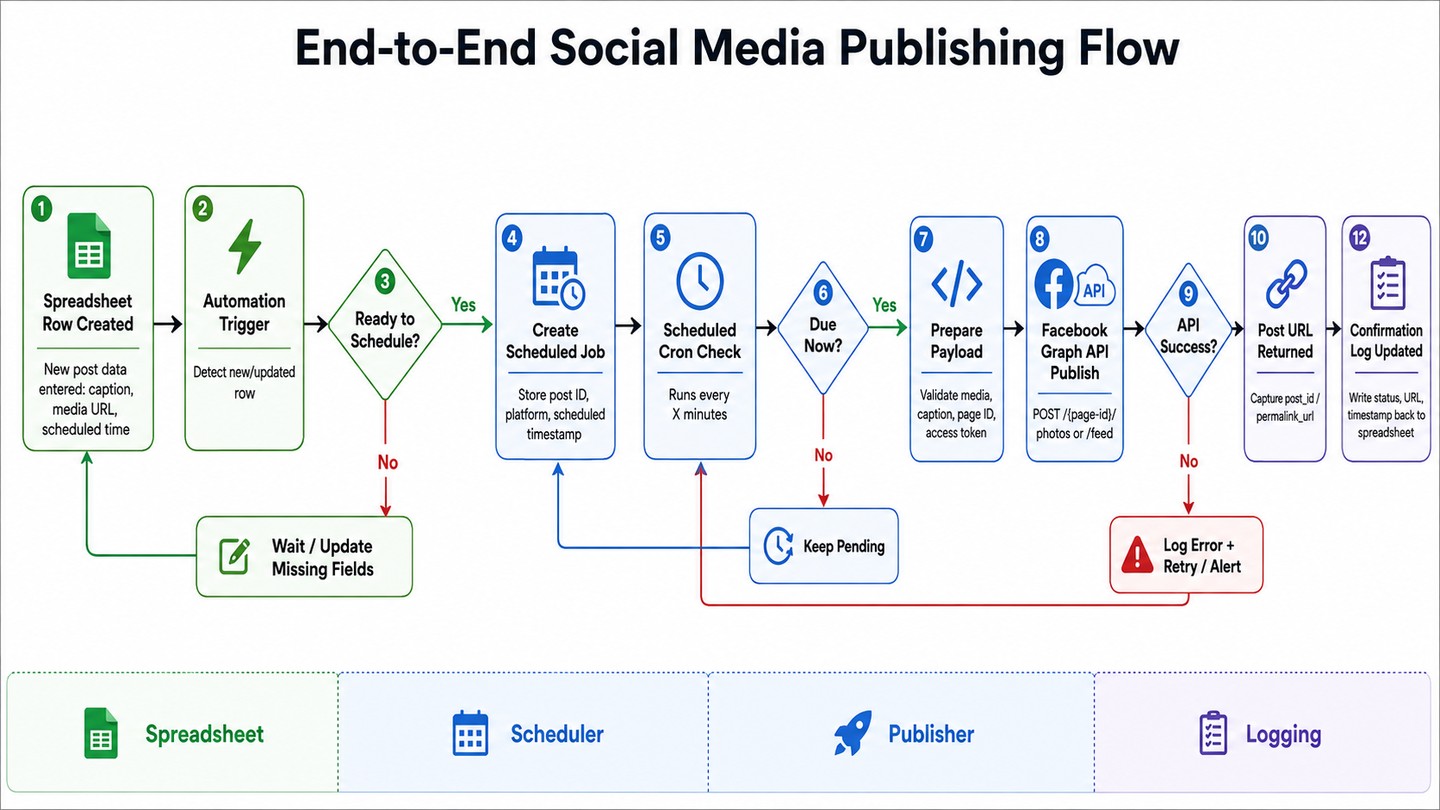
Instead of logging into each Facebook Page and posting manually every day, Auto Post Facebook from Google Sheets lets your marketing team plan an entire month of posts inside one familiar Google Sheet. The workflow checks your schedule automatically and publishes on time.
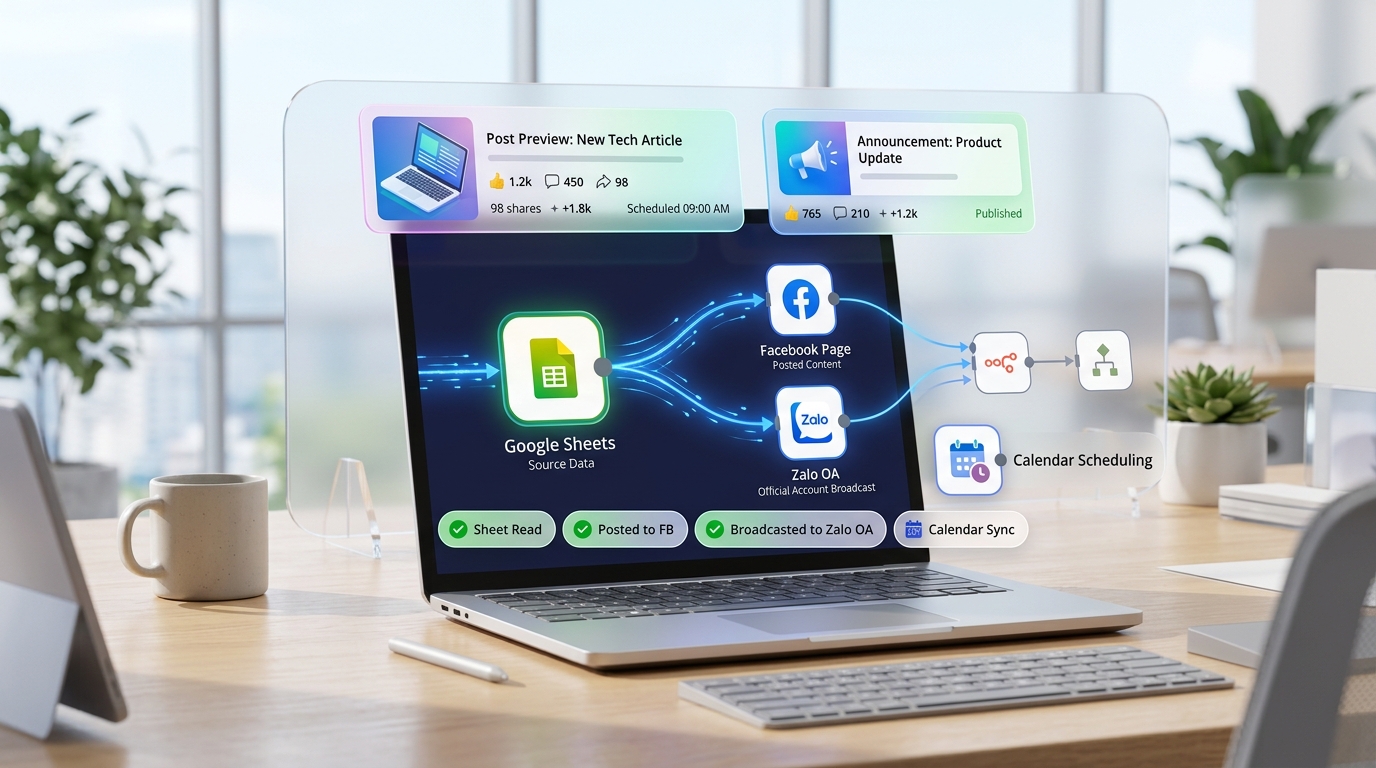
Automated publishing pipeline from Google Sheets to Facebook Pages
2. Key Highlights
Multi-format support: Publish plain text, single-image posts, or link shares cleanly.
Centralized planning: Review, approve, and schedule posts across multiple Pages in a single spreadsheet.
Live permalink logging: Automatically writes the live Facebook Post URL and "Published" status back to Google Sheets for engagement tracking.
Zero SaaS fees: Runs on n8n with the official Facebook Graph API—no browser emulation risks or monthly scheduler subscriptions.
3. What Is Included
Production-ready n8n workflow JSON configured for the Facebook Graph API.
Formatted Google Sheets Content Calendar template.
Step-by-step guide to generating a non-expiring Facebook Page Access Token.